
#Learning
Animations on the Web
Personal notes and experiments with Motion
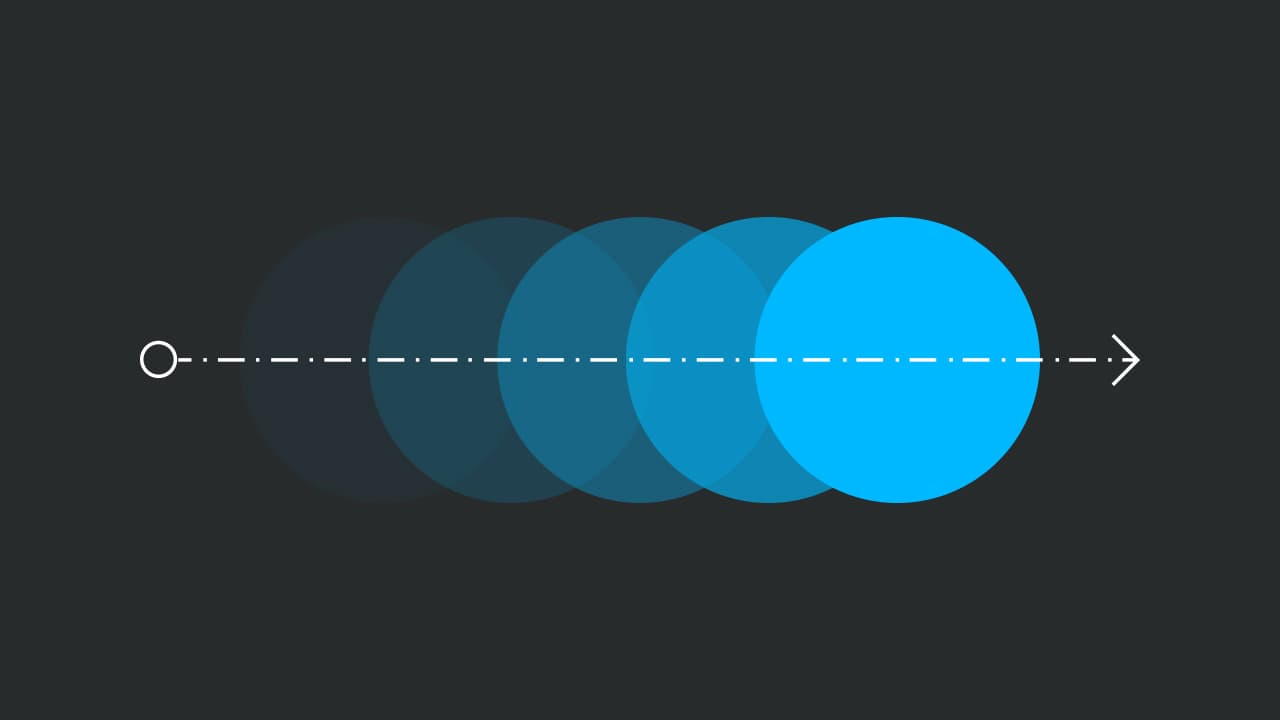
🌱 Seedling
April 1, 2026
2 min read
WARNING
This post is a living document — I'm actively taking this course and updating my notes while experimenting as I go. Expect rough edges, incomplete sections, and the occasional half-baked thought. This if this less as a finished article and more as an open notebook you're welcome to peek into.
Table of Contents
The Playground Component
To keep experiments reusable, I built a tiny wrapper that just renders its children. The playground handles spacing and a contained surface; the motion logic stays in the child.
import { motion } from 'motion/react';
import MotionPlayground from '@/components/Motion/MotionPlayground';

<MotionPlayground>
	<motion.div
		initial={{ opacity: 0, translateX: 0, rotate: -10 }}
		animate={{ opacity: 1, translateX: 100, rotate: 0 }}
		whileHover={{ scale: 1.2, rotate: 10 }}
		whileTap={{ scale: 1.4, rotate: 135 }}
		exit={{ opacity: 0, translateX: 0, rotate: -10 }}
		transition={{ type: 'spring', duration: 0.4, ease: 'easeOut' }}
	/>
</MotionPlayground>;
It's intentionally minimal so I can drop in any <motion.div> while keeping layout consistent across posts.
The Basics
- Make any animations
initialis the starting state,animateis the end state.- when using
wait
Animate Presence
Exit animations in React are hard. AnimatePresence in Framer Motion allows components to animate out when they're removed from the React tree.
Current experiment: transitions
I'm focused on how different transitions feel. For springs, shorter durations (around 0.3–0.5s) with a gentle bounce keep interactions responsive. For tweens, I lean on ease-out curves so elements start fast and settle softly.
I also toggle visibility to feel exit timing. Hiding an element should be as quick as showing it—especially for interactive UI.
Back
Head back to writing and explore more posts.